
Download PuTTY
Latest stable release
Free installer · Windows MSI · Linux and macOS packages
PuTTY is a free, open-source terminal emulator and network file transfer tool. Connect to remote systems through secure SSH and Telnet sessions, access serial ports, or establish raw TCP connections. The Windows MSI installer bundles putty.exe, puttygen.exe, pscp.exe, psftp.exe, plink.exe, pageant.exe, and supporting utilities in one convenient package. For setup instructions, your first SSH login, and PuTTYgen key basics, check out the Setup guide on this site.
Why professionals choose PuTTY
Features that system administrators and developers depend on for reliable remote access.
Secure remote connections:
- Supports SSH-2 and legacy SSH-1, Telnet, rlogin, serial port connections, and raw TCP sockets.
- Configurable encryption algorithms, host-key verification, and X11 forwarding for graphical applications.
Session management and interface:
- Named profiles that save host address, port, protocol, window dimensions, and color preferences.
- Terminal emulator with customizable fonts, color schemes, and scrollback buffer size.
Included utility programs:
- PuTTYgen — generate RSA, DSA, ECDSA, and Ed25519 SSH keys (native
.ppkformat with import/export). - PSCP and PSFTP for secure file transfers, Plink for command-line automation, Pageant as the SSH authentication agent.
Beyond Windows desktops:
- Official Windows binaries; Linux packages such as
putty-tools; macOS via Homebrew, MacPorts, or other distributions.
Reference notes
Where Windows keeps preferences, typical package-manager one-liners, and checks before approving a host. Choose Copy block to lift text into documentation or a terminal.
Windows registry (sessions and host keys)
On Windows, PuTTY saves settings under HKEY_CURRENT_USER\Software\SimonTatham\PuTTY. Named sessions live in Sessions; cached SSH host keys in SshHostKeys. Viewing these paths from a normal or elevated prompt remains read-only.
Registry paths PuTTY writes on Windows
HKEY_CURRENT_USER\Software\SimonTatham\PuTTY
HKEY_CURRENT_USER\Software\SimonTatham\PuTTY\Sessions
HKEY_CURRENT_USER\Software\SimonTatham\PuTTY\SshHostKeys

REM Example: export subtree for backup (adjust path)
reg export "HKCU\Software\SimonTatham\PuTTY" putty-settings.reg /y
Unix-style data folder
On Linux and other Unix ports, PuTTY typically stores random seed data and session files under ~/.putty (layout may differ by port and release).
Typical paths on Linux / Unix
~/.putty/
# Example: list PuTTY data directory
ls -la ~/.putty/
Package-manager install lines
Example install commands
# Debian / Ubuntu (client + PuTTYgen CLI)
sudo apt update && sudo apt install -y putty putty-tools
# Windows Package Manager (when available in your catalog)
winget install PuTTY.PuTTY
PuTTY binaries delivered via Windows MSI
Executables the MSI installs
putty.exe      — SSH/Telnet/serial client
puttygen.exe   — key generator
pscp.exe       — SCP file copy
psftp.exe      — SFTP client
plink.exe      — command-line Plink
pageant.exe    — SSH authentication agent
puttytel.exe   — Telnet-only client
First-connection checklist
Verify the host name or IP, port (22 for SSH by default), and protocol. On the first handshake, align the host-key fingerprint with what your operator publishes. Keep private keys passphrase-protected and use Pageant or agent forwarding only on hosts you control.
Typical PuTTY SSH flow
Open PuTTY → enter Host Name
→ Port 22, Connection type SSH
→ Session: save profile (optional)
→ Open → accept host key if verified
→ Log in (password or key)
Favor builds from the official PuTTY project that ship checksums. If you use mirrors or app stores, validate signatures whenever provided. See PuTTYgen for SSH key workflows.
Interface gallery
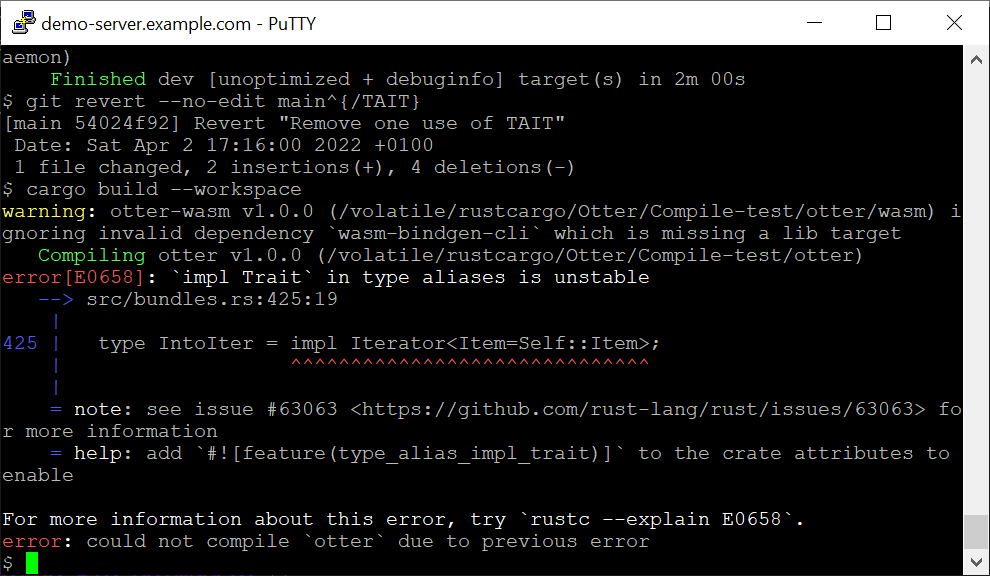
Select a thumbnail to zoom; arrow keys move between shots: