
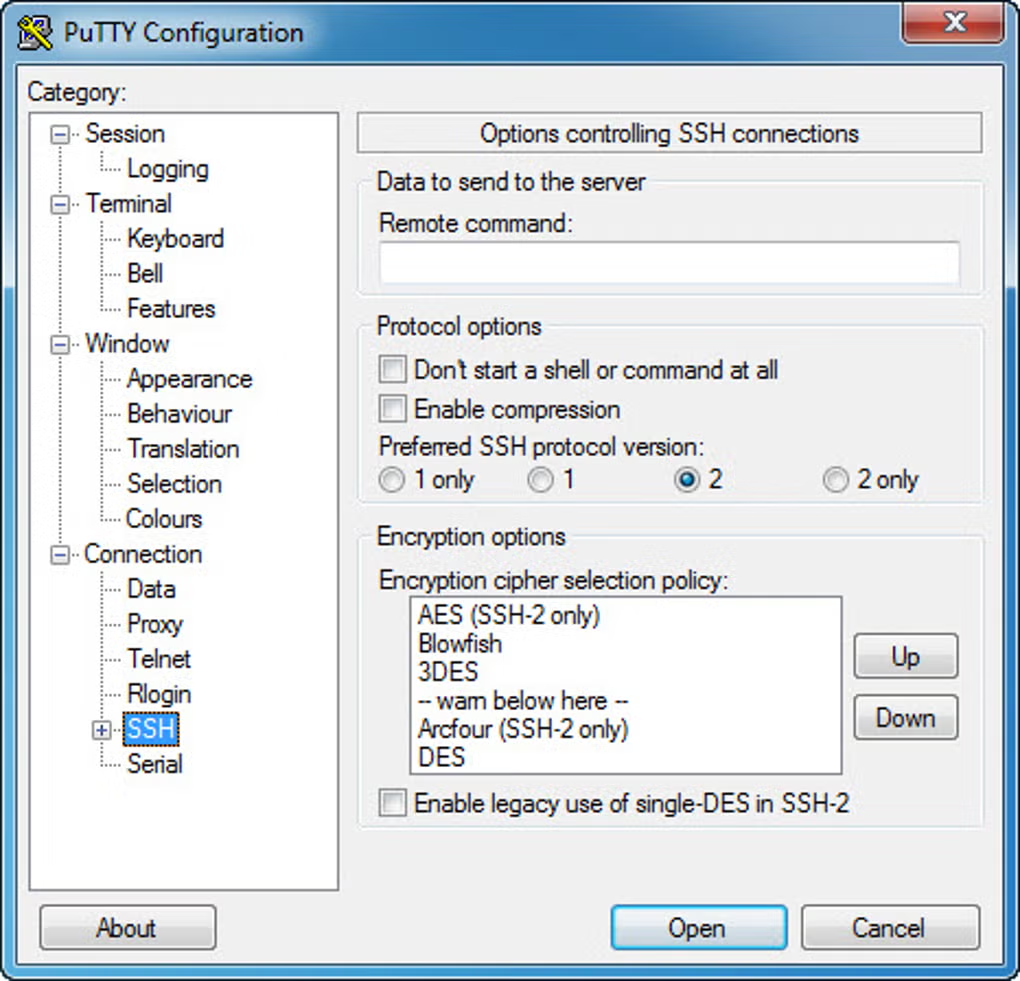
Interface gallery
Click a thumbnail to enlarge and use arrow buttons to browse:
PuTTYgen
PuTTYgen is PuTTY’s dedicated key workshop. It mints public and private SSH material in the native .ppk layout and supports RSA, DSA, ECDSA, and Ed25519 for SSH-2 (RSA also covers legacy SSH-1). You may convert material for OpenSSH and other stacks. On Windows launch PuTTYgen from the Start menu after the MSI; on Linux the puttygen binary typically arrives inside putty-tools. For a full click path, use the Practical how-to here.
What it does
- Create fresh key pairs and optionally lock the private half behind a passphrase.
- Write public and private files; copy the OpenSSH-ready line for
authorized_keys. - Import legacy keys or translate between
.ppkand PEM-style formats.
Typical use
Reach for PuTTYgen when Windows users require key authentication to servers, cloud VMs, or Git over SSH. Load the private half into Pageant or aim PuTTY’s session at it directly. For the wider kit (PSCP, PSFTP, Plink, Pageant), visit the PuTTY site home or the installers page.
More help
Install choices, first SSH login, and PSCP/PSFTP primers sit on the Practical how-to. Builds are provided strictly through this site’s Installers & packages flow.
Get PuTTY (includes PuTTYgen on Windows)